
Canva Resume Builder

Best Self Hosted Alternatives to Canva Resume Builder

A curated collection of the 2 best self hosted alternatives to Canva Resume Builder.

Canva Resume Builder is an online tool from Canva that provides customizable resume and CV templates, a drag-and-drop editor, design elements and export options to help users create professional resumes quickly.

Alternatives List

#1
Reactive Resume

Reactive Resume

Self-hosted resume/CV builder with templates, versioning, JSON import/export, and PDF export for creating and managing multiple resumes.
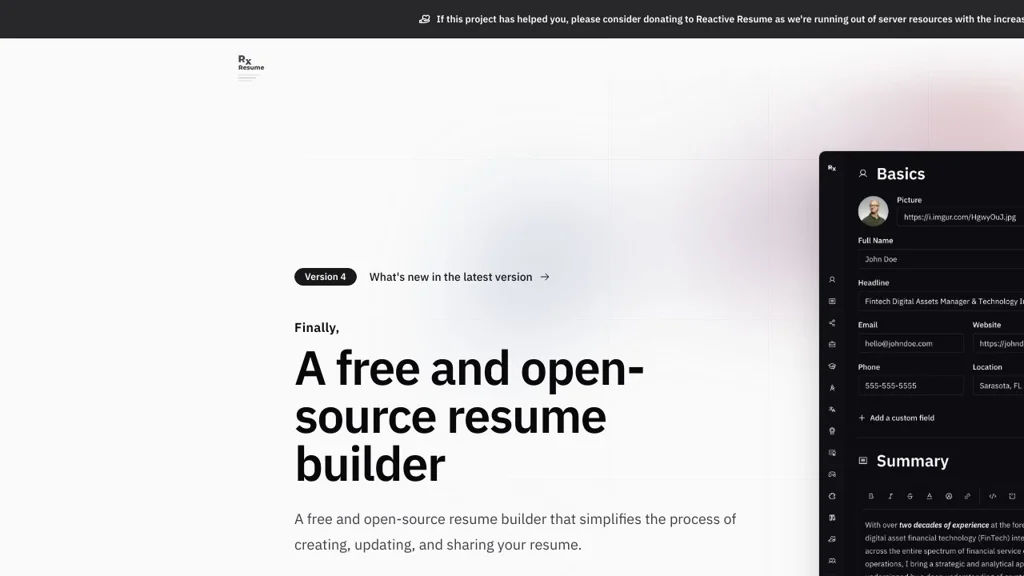
Reactive Resume screenshot

Reactive Resume is a web-based resume/CV builder that lets you create, manage, and export professional resumes from a modern editor. It supports multiple resumes per account, reusable sections, and structured data so you can iterate quickly and keep your career history consistent.

Key Features

  • Visual resume editor with customizable sections (experience, education, skills, projects, etc.)
  • Multiple resumes per user with template-based layouts and theming
  • PDF export for printing/sharing
  • Import/export of resume data (JSON) for backup and portability
  • Versioning/history to track changes over time
  • Public sharing of resumes via unique links (optional/controlled)
  • Multi-language support and configurable basic profile/contact details

Use Cases

  • Maintain a master CV and generate tailored versions for different job applications
  • Keep a portable, backed-up resume dataset (JSON) and re-render to different templates
  • Host an internal resume builder for a team, community, or school program

Limitations and Considerations

  • Collaboration features are limited compared with dedicated collaborative document suites.
  • Output formatting is template-dependent; highly bespoke layouts may require custom template work.

Reactive Resume is well-suited for individuals who want ownership of their resume data and a fast workflow for producing polished PDFs. Its structured approach (data + templates) makes it easy to maintain multiple targeted resumes while keeping a single source of truth.

34.3kstars
3.8kforks

#2
draw.io (diagrams.net)

draw.io (diagrams.net)

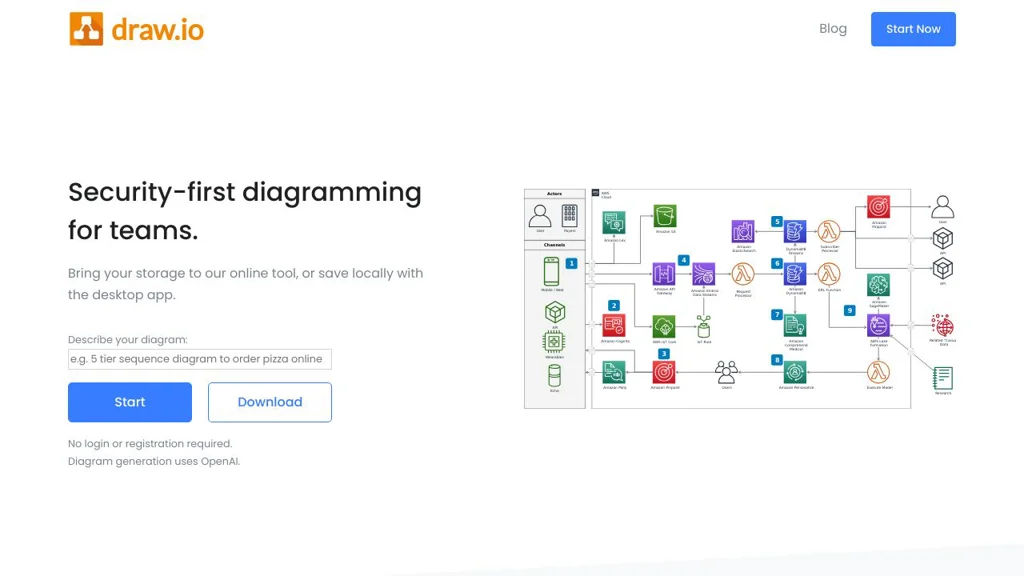
diagrams.net (draw.io) is a web-based diagramming tool for flowcharts, UML, ER diagrams, and more, with integrations and offline/desktop options.

draw.io (diagrams.net) screenshot

diagrams.net (formerly draw.io) is a diagramming and flowcharting application for creating technical and business diagrams in the browser. It focuses on fast editing, broad diagram types, and easy export/sharing, with integrations commonly used in engineering documentation workflows.

Key Features

  • Drag-and-drop editor with extensive shape libraries (flowcharts, UML, BPMN, network diagrams, org charts, etc.)
  • Diagram-as-a-file approach: save as .drawio/XML and import/export across environments
  • Export to PNG/JPEG/SVG/PDF and embed diagrams into documents and wikis
  • Connectors, layers, groups, alignment tools, and style controls for precise layouts
  • Templates and reusable custom libraries for standardized diagramming
  • Integrations and embedding options commonly used with platforms like Confluence/Jira and Git-based documentation
  • Desktop app availability (Electron) for offline editing and local file workflows

Use Cases

  • Software architecture diagrams (C4-style), UML, and sequence/flow diagrams for engineering teams
  • Network/topology diagrams and infrastructure documentation
  • ER diagrams and process maps for product, operations, and compliance documentation

Limitations and Considerations

  • Real-time multi-cursor collaboration depends on the chosen integration/storage backend; the core editor is primarily file-centric.
  • Large/complex diagrams can become heavy in the browser depending on client resources.

A major advantage of diagrams.net is its lightweight, file-based model and wide export compatibility, making it easy to adopt in existing documentation pipelines. It suits both ad-hoc diagramming and repeatable, standardized diagram creation through templates and libraries.

3.3kstars
583forks

Why choose an open source alternative?

  • Data ownership: Keep your data on your own servers
  • No vendor lock-in: Freedom to switch or modify at any time
  • Cost savings: Reduce or eliminate subscription fees
  • Transparency: Audit the code and know exactly what's running