
Steam Remote Play

Best Self Hosted Alternatives to Steam Remote Play

A curated collection of the 2 best self hosted alternatives to Steam Remote Play.

Steam Remote Play streams games from a host PC to other devices (PCs, phones, tablets, TVs) over LAN or the internet. It enables playing your Steam library remotely and inviting friends to join local-multiplayer games online (Remote Play Together).

Alternatives List

#1
Sunshine

Sunshine

Sunshine is a self-hosted game/desktop streaming server that works with Moonlight clients, enabling low-latency remote play with hardware-accelerated encoding.
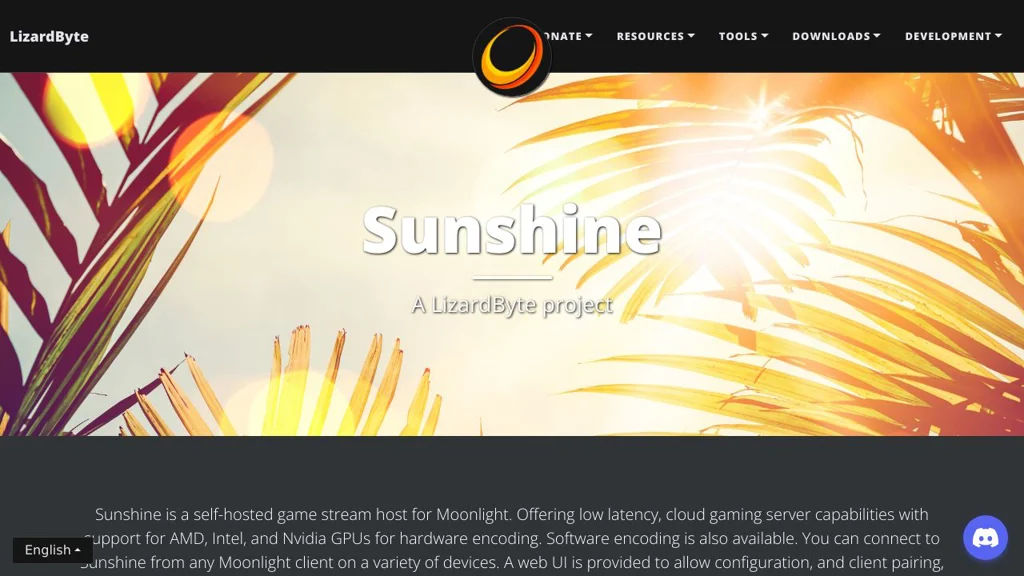
Sunshine screenshot

Sunshine is a self-hosted game and desktop streaming host designed to work with Moonlight clients. It streams your PC over the network with low latency using hardware-accelerated video encoding, and provides a web interface for configuration.

Key Features

  • Works with Moonlight clients using NVIDIA GameStream-compatible protocols
  • Hardware-accelerated encoding support (varies by platform/GPU), with software fallback
  • Web-based administrative UI for configuring apps, inputs, and streaming settings
  • Host-side “apps” launcher concept (define games/programs to start via the client)
  • Multi-platform host support (commonly used on Windows; also available on Linux)
  • Supports gamepad/controller input passthrough from client to host

Use Cases

  • Stream games from a powerful desktop to a low-power device (TV box, laptop, handheld)
  • Remote desktop-like access for personal use with high frame rate and low latency
  • In-home LAN streaming as an alternative to proprietary vendor streaming stacks

Limitations and Considerations

  • Client side is typically Moonlight (Sunshine is the host); feature set depends on client capabilities
  • Best performance requires a supported GPU/driver stack for hardware encoding; otherwise quality/latency may degrade

Sunshine is a popular choice for users who want a modern, actively developed GameStream-compatible host with a convenient web UI. It is especially suitable for low-latency in-home streaming and remote play when paired with Moonlight on the client side.

33.4kstars
1.6kforks

#2
Neko

Neko

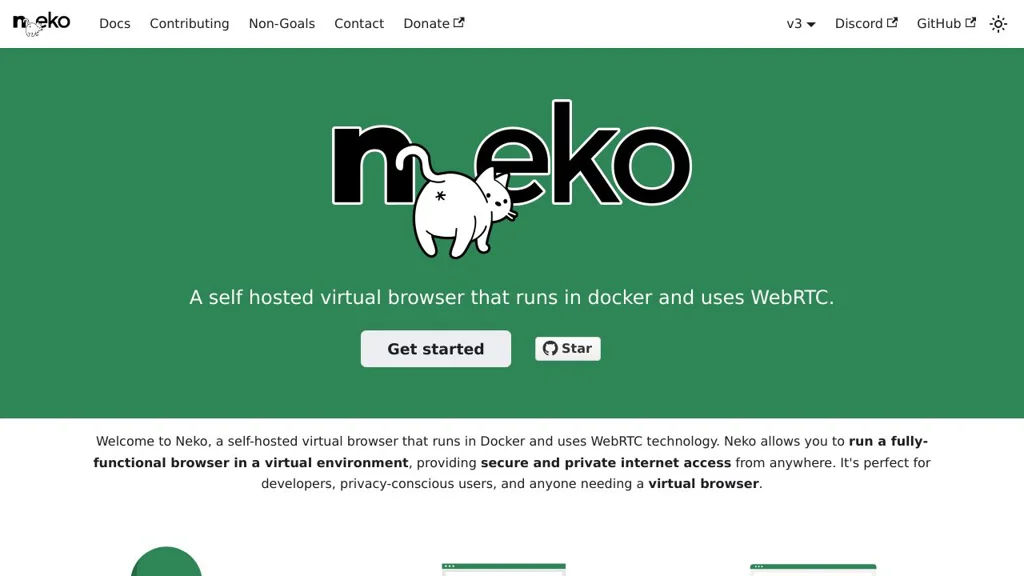
Self-hosted shared virtual browser (Firefox/Chromium) with synchronized viewing, multi-user control, chat, and WebRTC streaming for watch parties and remote collaboration.

Neko screenshot

Neko is a self-hosted “shared browser” that streams a real browser running in a container to multiple participants, keeping everyone in sync. It’s commonly used for watch parties and collaborative browsing, where users can see the same tab and optionally take turns controlling it.

Key Features

  • Streams a full browser (Firefox/Chromium) from a container to users via WebRTC
  • Multi-user rooms with shared, synchronized session state (everyone sees the same page)
  • Remote control support (mouse/keyboard) with configurable permissions/turn-taking
  • Built-in chat for coordinating during sessions
  • Audio/video streaming suitable for watch parties and shared media playback
  • Designed to run behind reverse proxies; configurable networking and security options via environment variables

Use Cases

  • Watch parties for streaming sites where participants need a synchronized shared browser
  • Remote collaboration for pair browsing, demos, or guiding non-technical users through web flows
  • Quick “disposable” browser sessions for testing websites in an isolated container

Limitations and Considerations

  • Requires WebRTC-capable clients and network paths; NAT/proxy setups may need additional configuration
  • Performance and responsiveness depend on server resources and available uplink bandwidth

Neko is a practical way to host a real browser centrally and share it live with a group. It fits teams and communities that need synchronized viewing and lightweight collaborative control without installing client software beyond a modern browser.

16.6kstars
1.1kforks

Why choose an open source alternative?

  • Data ownership: Keep your data on your own servers
  • No vendor lock-in: Freedom to switch or modify at any time
  • Cost savings: Reduce or eliminate subscription fees
  • Transparency: Audit the code and know exactly what's running